


From Disconnected Tools To Fully Automated Workflows

Connect your existing platforms into one workflow, so data syncs automatically, handoffs are reduced, and reporting becomes real-time.

layer1
layer 1

Who Benefits From System Integration & Automation?

This is best suited if:

icon for bullet points

Information is scattered across too many tools and spreadsheets

icon for bullet points

Teams switch between multiple platforms daily to complete one task

icon for bullet points

Reports require combining data from different systems manually

icon for bullet points

Data is copied from one system to another (and errors are common)

icon for bullet points

Leadership lacks a single source of truth for decisions

Trusted By Growing Businesses

trusted

Built for teams that want fewer handoffs, cleaner data, and dashboards they can trust

What you get with
Integrations & System Automation

objects

Seamless tool-to-tool integrations that remove manual steps

objects (1)

Automatic data synchronization across systems in real time

objects (2)

Reduced manual data entry - and fewer errors

objects (2)

Better visibility across teams with consistent data

objects (3)

Centralized Dashboards for leadership and ops tracking

objects (4)

Automation triggers - updates, alerts, escalations, reporting

Every week, you see progress in demos—no black-box development.

How we connect your systems into one workflow

A Structured, transparent process designed for speed and clarity.

group 119

Step 1

Map Your Systems + Data Flow

We understand your tools, workflows, owners, and where data breaks today.

group 120

Step 2

Define Integration Blueprint

We freeze integration points, automation triggers, data rules, and reporting needs.

group 119

Step 3

Build + Automate

We connect systems with reliable APIs and automate handoffs and updates.

group 120 (1)

Step 4

Test + Harden

We test edge cases, sync accuracy, failures, and performance, then refine.

group 119 (2)

Step 5

Launch + Monitor

We go live with monitoring, logging, and continuous optimisation.

The Transformation
Case Study - Before, After & Later

What changes when tools work together

Before

Disconnected tools and duplicate data

Manual updates and constant follow-ups

Reports that take too long (and still feel unreliable)

arrow 1

After

Connected systems with automated sync

Unified dashboards and consistent data

Automatic data flow Faster execution with fewer manual steps

arrow 1

Later (long term)

Faster operations and fewer errors

Scalable setup that supports growth

Confident decision making with real-time visibility

Our Success Stories

retail and e commerce
From Offline Distributor to a Fully Integrated Digital Commerce Ecosystem

End-to-end automation, real-time visibility, and seamless commerce in one system.

Developed a custom e-commerce platform and AOMS for Apvision, streamlining end-to-end order management and automating critical workflows. Integrated seamless QuickBooks synchronisation for accurate financial tracking, while enabling direct B2B and B2C sales. The platform improved efficiency, reduced manual effort, and provided real-time visibility across operations, supporting scalable business growth.

View Case Study

right

Where Integration & system automation delivers the biggest impact

group 94

WhatsApp with CRM Integration

Automatically log conversations from WhatsApp into your CRM without manual updates. 

group 94 1.webp

Payments & Reporting Integration

Payments data flows directly into dashboards for instant tracing.

group 94 (2)

CRM Operations Sync

Customer updates reflect automatically in operational workflows

group 94 (3)

Multi-Tool Dashboard

Combine data from different systems into one leadership view

layer 1 (1)

Technology & Integrations

Built for reliability, security, and scale

icon for bullet points

Secure API-based integrations

icon for bullet points

Real time data synchronization

icon for bullet points

Scalable architecture

icon for bullet points

Cloud based infrastructure

icon for bullet points

Role-based access and permissions

Common integrations:

WhatsApp and communication platforms | Email and calling tools | Payment gateways | CRM/ERP systems |  Accounting systems | Internal Dashboards 

Clients Experiences

Engagement Model

Real stories from clients who trust our expertise, value our partnership, and achieve measurable success through our software solutions.

Integration Discovery & Planning

Connecting your systems

Integration Implementation

Connecting and automating systems

Scale &
Optimization

Expanding system integrations

Pricing is customized for every project and defined after understanding your requirements, scope, and goals.

Frequently Asked Questions

We connect your systems so data flows automatically, giving you one reliable, real-time source of truth.

Yes. We work with your existing CRM, ERP, WhatsApp, payment, email, and internal systems through secure APIs.

Absolutely. Automated sync removes copy-paste work and keeps data consistent across platforms.

With tested data rules, monitoring, logging, and scalable architecture built for high usage.

Faster execution, real-time reporting, fewer handoffs, cleaner data, and more confident decision-making.

hero.webp
Related Reads
custom business intelligence dashboard

18

March

symbol

26 Comments

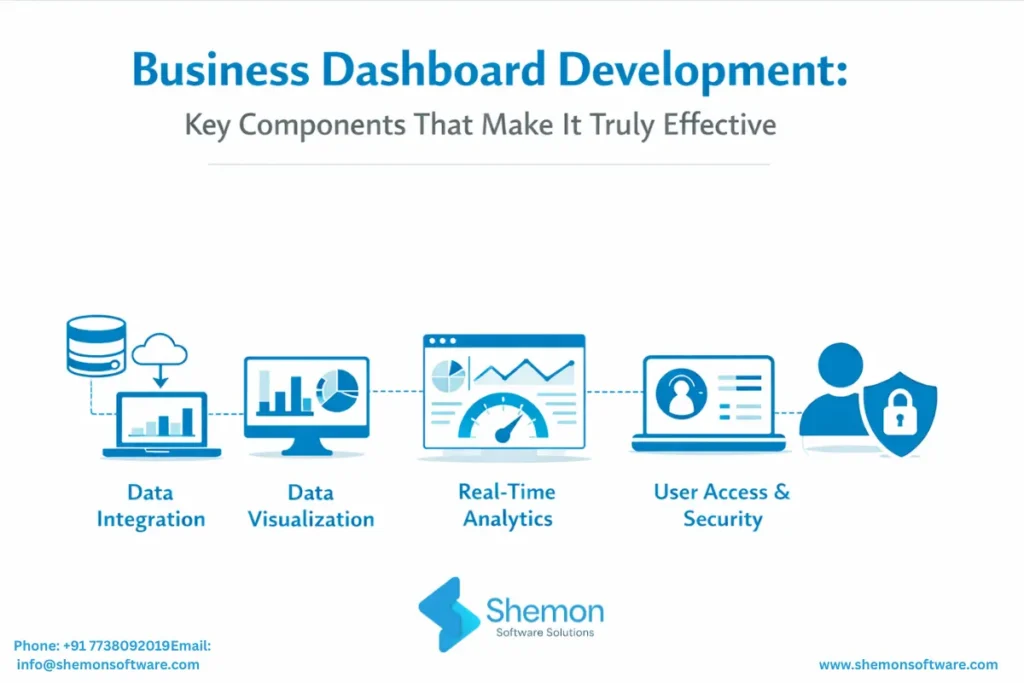
Business Dashboard Development: Key Components That Make It Truly Effective

Every growing business today collects enormous amounts of data. Sales numbers, marketing performance, inventory levels, customer behaviour, finance records - it's all being captured somewhere.

Read More

right
Scroll to Top